
The Bounce Button
One button.That’s the whole thing.
No menus, no sign-up, nothing to figure out. You press it, the 504 comes on. Press it again, it stops.
Go ahead — press it
Free
Put it on your home screen
Add the station to your phone and the button sits right there with your apps. It opens full screen — no address bar, nothing in the way — and you can start and stop the music from your lock screen. Nothing to download, nothing to pay, no app store involved.
iPhone
- Open this page in Safari. It has to be Safari — Chrome on an iPhone can’t do this.
- Tap the Share button at the bottom.
- Scroll down and tap Add to Home Screen.
Android
- A bar slides up offering to Install. Tap it.
- If it doesn’t show, open the ⋮ menu in Chrome.
- Tap Install app or Add to Home screen.
You’re running the installed version right now — the button’s already on your home screen.
The Bounce Button Speaker
Same button, off the screen and into your hand. Press the face and the station comes on — kitchen, porch, trunk, barbershop, wherever you’re at.
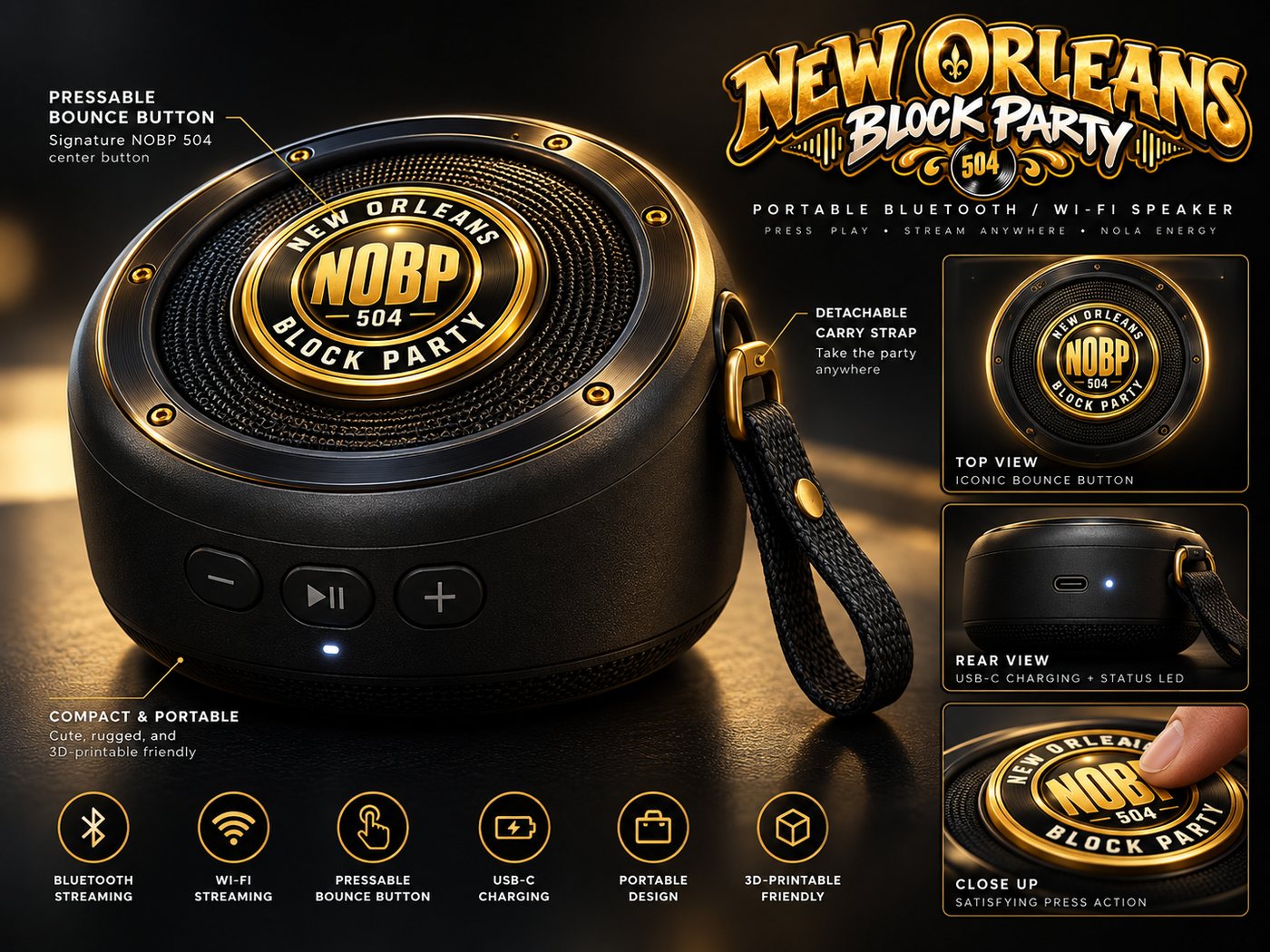


- Bluetooth — pair it to your phone
- Wi-Fi — pulls the station on its own
- The crest is the button. Press it, we come on
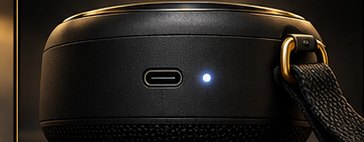
- USB-C charging
- Detachable carry strap
- Small enough for one hand
Design renders. Final hardware may differ.
Want one first?
Leave your email and you’ll hear before anybody else — price, date, and first crack at them. That’s all we’ll use it for.
The keychain
The little one. Same crest, same press, rides on your keys.
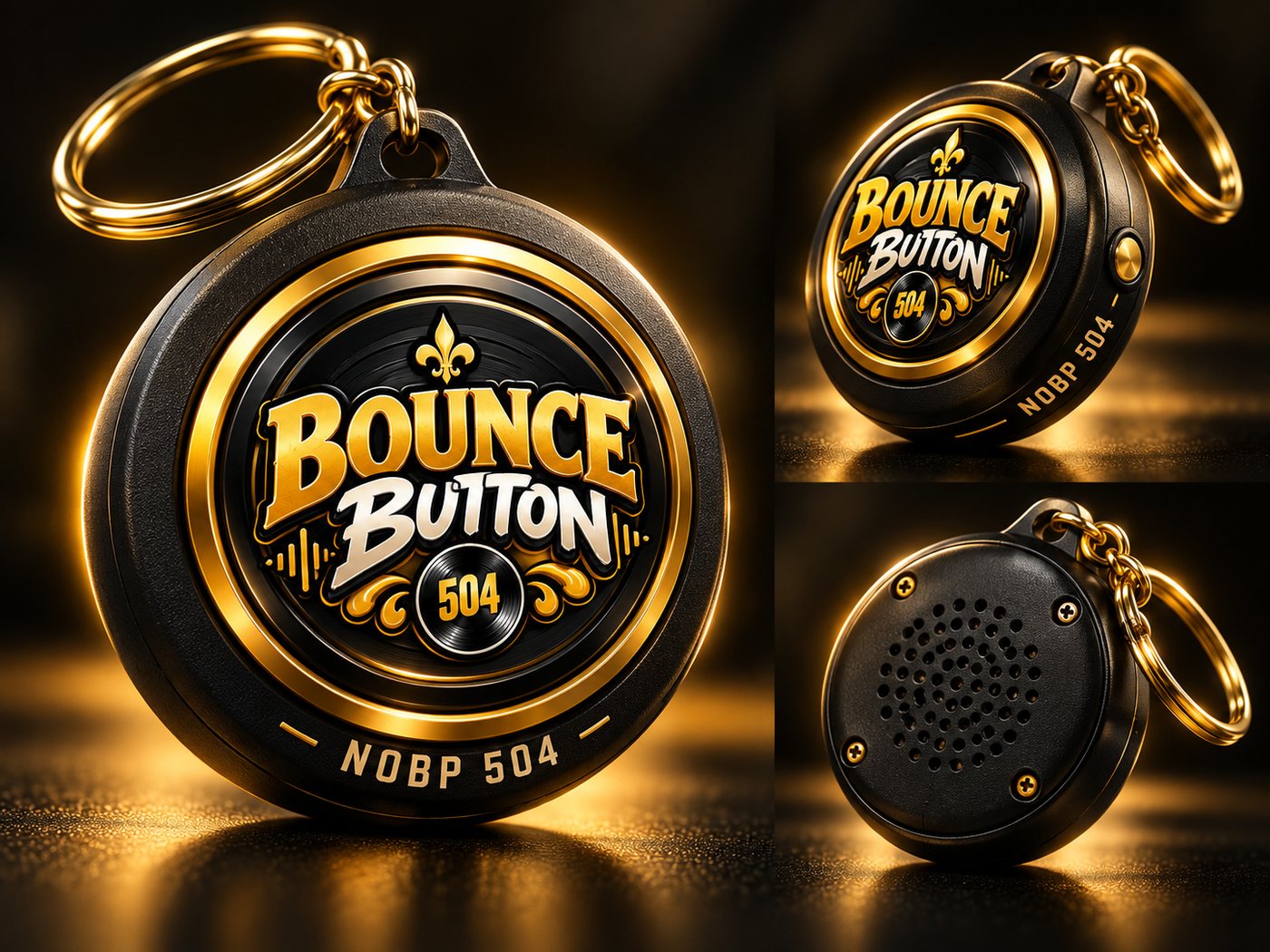
Design renders. Final hardware may differ.